
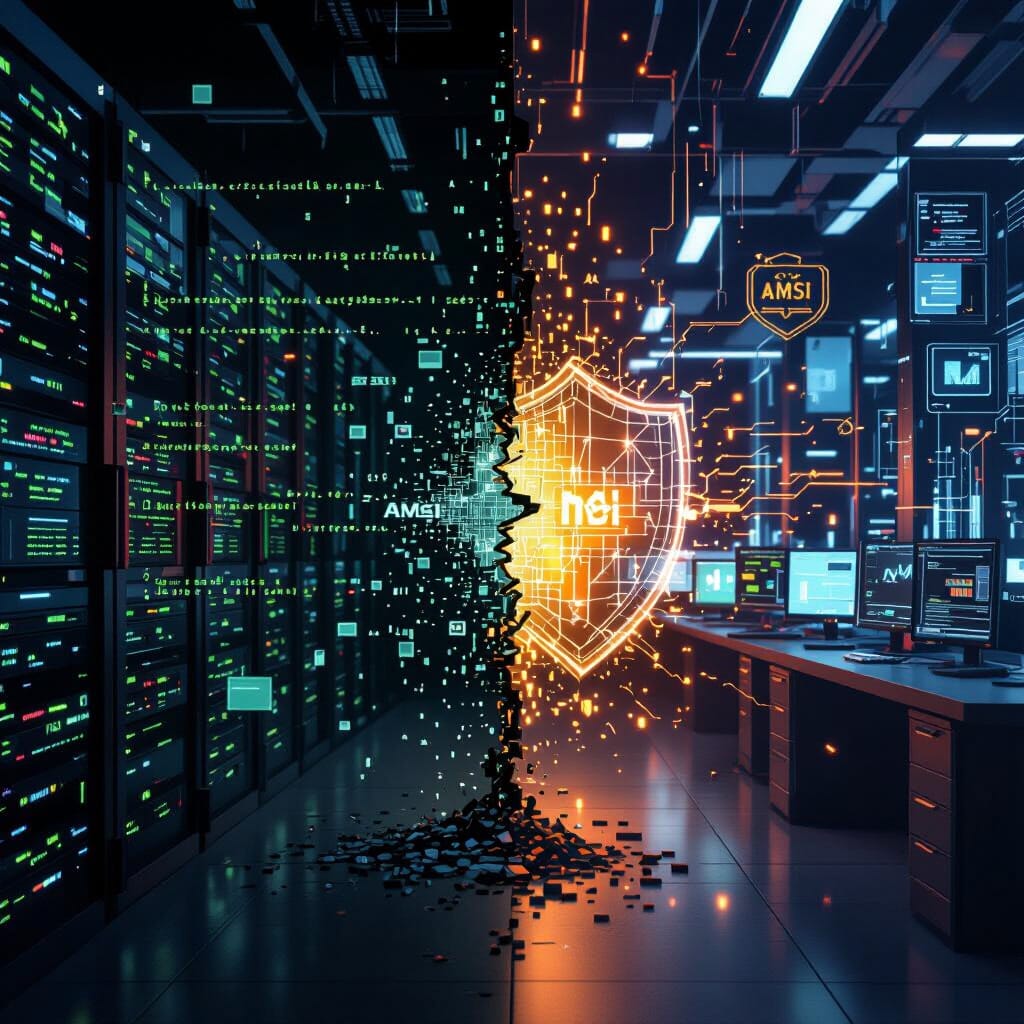
🕵️♂️ Act I – The Attacker’s Perspective
There’s an art to stealth. In the digital arena, stealth isn’t just about silence; it’s about misleading, adapting, and exploiting what defenders trust. When deploying a Remote Access Trojan (RAT), the true enemy isn’t the firewall or antivirus. It’s visibility. And Windows’ Antimalware Scan Interface (AMSI) is one of the nosiest watchdogs of them all.
🎯 The Objective: Remote Control Without Exposure
RATs are command conduits. They allow me to harvest, observe, pivot. But Windows is now more aware than it used to be. AMSI inspects script contents, even when encoded or obfuscated, handing juicy payloads to antivirus engines. So the first battle isn’t on the host — it’s in memory, at runtime, before execution can be scrutinized.
🧬 Mutation Over Obfuscation
Forget the old obfuscators that reverse engineer canaries have memorized. I build polyglots — payloads that look clean to static scanners but morph at runtime. Consider embedding XOR-encrypted blobs inside harmless shellcode templates. The final stage isn’t visible until I decrypt and execute within a thread I control.
I sometimes encrypt PowerShell commands into benign-looking base64 strings. However, even that’s not enough anymore. AMSI sees through EncodedCommand. So, I disable AMSI. But not the obvious way.
💉 Precise Memory Manipulation
PowerShell offers reflective access to AMSI internals. With a few lines, I mark AMSI’s initialization as failed:
[Ref].Assembly.GetType('System.Management.Automation.AmsiUtils')\
.GetField('amsiInitFailed','NonPublic,Static')\
.SetValue($null,$true)
Alternatively, I patch AmsiScanBuffer in memory. I locate the address, change permissions via VirtualProtect, and inject instructions like mov eax, 0x80070057; ret—a success result.
This code bypass doesn’t touch disk. No signature. No heuristic fingerprint. Just one overwritten buffer.
🪤 Hide in the Usual
Windows offers safe spaces — trusted processes. I rarely deploy my payload in a custom binary. Instead, I inject into a legitimate process: explorer.exe, svchost.exe, or even the Defender engine itself. This isn’t novelty. It’s camouflage.
Using CreateRemoteThread or APC queues, I load my shellcode inside a benign host. From there, the RAT spins up persistence: registry keys under HKCU:\Software\Microsoft\Windows\CurrentVersion\Run, WMI event subscriptions, or scheduled tasks mimicking system jobs.
🧪 Antisandbox Rituals
Before any outbound signal, I verify: Am I alone?
I check uptime. Sandboxes often boot fresh:
(Get-CimInstance Win32_OperatingSystem).LastBootUpTime
No mouse movement? No clipboard history? Low RAM? Suspicious usernames like sandbox or test?
Abort.
🛰️ Secure Channels, Plausible Protocols
Once the implant is alive, exfiltration must blend. DNS queries tunneled via TXT records work well. Alternatively, HTTPS with domain fronting masks traffic behind major CDNs.
I impersonate Google, Microsoft, or Cloudflare headers. Every packet looks like a normal web call. The RAT’s heartbeat is slow, jittered, and randomized.
No burst. No pattern.
🛡️ Act II – The Defender’s Perspective
Attackers don’t break in — they log in, hide in noise, and turn systems against themselves. My job isn’t to stop every attack; it’s to reduce dwell time and increase attacker cost. AMSI, while not perfect, is one tool in a wider net.
🔎 Understanding AMSI’s Role
AMSI isn’t a magic bullet. It doesn’t block — it inspects. It sits between the script host (PowerShell, VBScript, etc.) and the engine, passing along string buffers to antimalware products.
It’s real-time. It sees through Invoke-Expression. It dissects scripts as they’re interpreted.
But it can be disabled. So I look for the signs.
📜 AMSI Bypass Signatures
When attackers invoke [AmsiUtils] and set amsiInitFailed, that’s a red flag. So I ingest PowerShell transcript logs (Module Logging, ScriptBlock Logging) into our SIEM. These show the exact commands used — even those not saved to disk.
I look for:
- Reflection usage
SetValue($null,$true)- Inline C# defining
VirtualProtect - Invocations of
GetProcAddress("AmsiScanBuffer")
These are not benign developer patterns. They scream subversion.
🧠 Memory and ETW Observations
Even if the script is memory-resident, endpoint detection tools with ETW (Event Tracing for Windows) can track AMSI interactions. When a process repeatedly triggers AmsiScanBuffer, or if that function disappears mid-execution, something’s off.
Modern EDRs can detect when amsi.dll is unhooked, or when the memory of its exported functions has been tampered with.
We alert on entropy spikes in memory. RATs often decrypt themselves in place. That moment — when an encrypted blob becomes readable code — is fleeting, but detectable.
🛑 Process Injection Defense
Suspicious child processes from Office apps or from explorer.exe often indicate process hollowing. We monitor command-line anomalies:
rundll32without arguments fromsystem32regsvr32loading from temporary pathsmshtaexecuting inline JavaScript
We also track parent-child chains. A Word.exe spawning cmd.exe which spawns powershell.exe is abnormal.
Defenders don’t need to know what the payload does — only that its path was unnatural.
🔒 Constraining Execution
We use WDAC and AppLocker to enforce signed scripts only. That alone thwarts many script-based RAT deployments. Constrained Language Mode (CLM) limits PowerShell’s .NET reflection ability, neutering many AMSI bypasses.
Some attackers try to override CLM via:
$ExecutionContext.SessionState.LanguageMode = 'FullLanguage'
But this only works in interactive, unrestricted environments — which we don’t allow.
We also deny outbound traffic from sensitive endpoints to unapproved domains. That DNS tunnel? Blocked by policy.
🔄 The Cat-and-Mouse Cycle
The attacker adapts. So must we.
☣️ What They Try
- Dynamic API resolution using function hashes
- Encoding payloads using custom schemes (e.g., ROT13, GZip, AES)
- Using LOLBins like
InstallUtil.exeorPresentationHost.exe - Hiding C2 within GitHub gists, Pastebin, or Google Sheets
- Loading staged payloads from memory-mapped files
🛡️ How We Respond
- Block unsigned binaries from executing via WDAC
- Correlate process behavior with network artifacts
- Log every PowerShell session and archive transcript logs
- Strip unused tools from workstations (e.g.,
csc.exe,msbuild.exe) - Isolate outbound access by role — not every system needs full web access
🧠 Human Weakness and Machine Vigilance
Most RATs don’t arrive via zero-day. They arrive through phishing, cracked software, or misconfigured RDP. So user education and configuration hygiene are essential.
But defense can’t rest on awareness alone. Behavioral analytics — not just signature detection — are the new wall.
We build profiles: what’s normal for accounting? What’s typical for engineering? When deviation arises, we question it — immediately.
🔚 Closing Thoughts
To the attacker, the mission is clarity: get in, blend in, and extract value.
To the defender, the goal is pressure: increase detection rates, force adaptation, and push the adversary toward mistakes.
In this contest, success is not perfection. It’s asymmetry. It’s making compromise expensive, slow, and unreliable.
And for every AMSI evasion discovered, another watchtower is built.


 ITInnovationStation
Leave a comment